 Contact Us
Ansys SPEOS 101: Introduction to Ansys Speos
Course Overview:
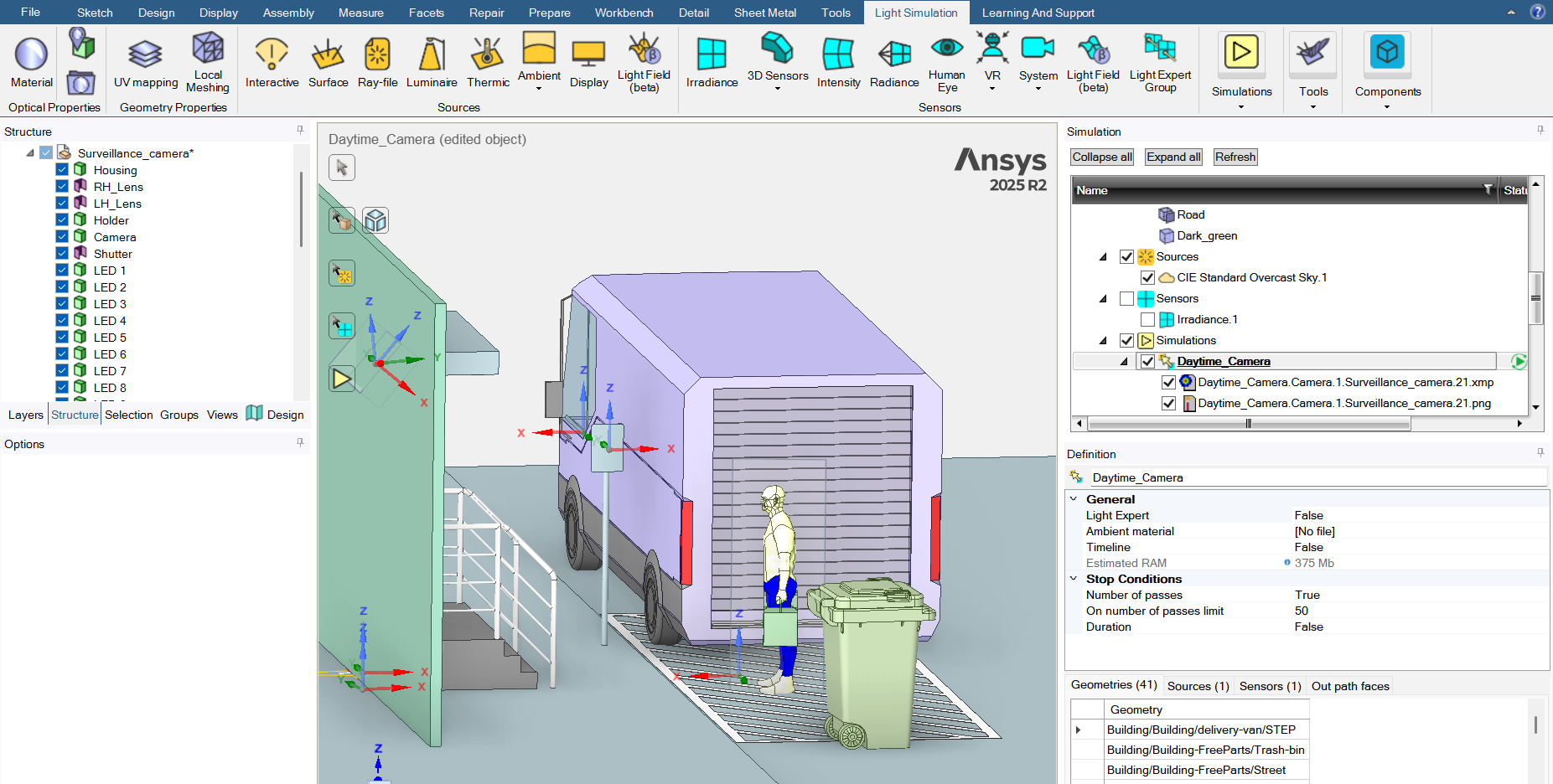
This course covers the basics of optical simulation in Ansys Speos. Participants will learn the fundamentals of setting up and running physics-based optical simulations, including working with geometry, defining light sources, assigning material properties, placing sensors, and analyzing results. Specific topics include: the Speos simulation pipeline, importing and preparing geometry, surface and volume optical properties, source types and spectral definitions, irradiance and radiance sensors, simulation types, and results interpretation.
Who should take this course:
- Beginners with no prior experience in Ansys Speos who need a comprehensive introduction to the tool and its core workflows.
- Intermediate users who have worked in Speos but do not have a strong foundation and would like to thoroughly learn basic concepts or establish more effective methods.
Core proficiencies:
- Navigating the Speos interface and simulation tree
- Importing and preparing geometry for optical simulation
- Configuring light sources with appropriate flux, spectrum, and angular distribution
- Assigning surface and volume optical properties using the material library and custom definitions
- Placing and configuring sensors
- Running simulations and selecting appropriate settings
- Interpreting and exporting simulation results
Contact for SPEOS 101 Training
Course Agenda | SPEOS 101
Module 1: Introduction to Speos
- What is Speos
- How Speos Works
- Interface Overview
Module 2: Geometry in Speos
- Importing Geometry
- Creating Geometry
- Geometry Manipulations
Module 3: Sources
- Source Types
- Source Properties
Module 4: Materials
- Surface Optical Properties
- Volume Optical Properties
- Material Library
Module 5: Sensors, Simulation, and Analysis
- Sensor Types
- Sensor Properties
- Simulation Types
- Analysis Tools
Module 6: Conclusion
- Capstone Workshop