

 Contact Us
Ansys Thermal Desktop: Introduction to Thermal Modeling
Course Overview:
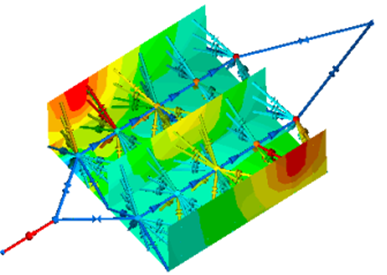
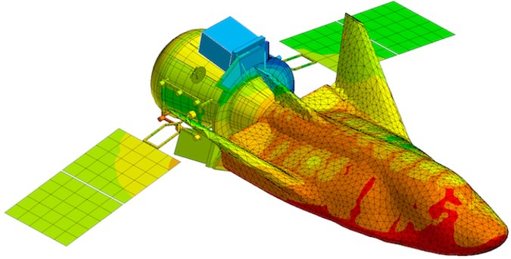
This course will introduce you to the Ansys Thermal Desktop interface and the modeling process required to build thermal networks. This course will provide practice building and solving models as well as interpreting results, using Thermal Desktop as a stand-alone analysis environment. This course will also cover the interaction between Thermal Desktop and TD Designer (formerly TD Direct) for 3D Finite Element Modeling.
Who should take this course:
This course is best suited for new users of Ansys Thermal Desktop who want to learn how to use the software for thermal modeling. Flow network modeling will not be covered in this course.
With completion of this Ansys Thermal Desktop Training, you will become proficient in:
- Understanding and using the Ansys Thermal Desktop interface
- Creating and using thermophysical properties
- Thermal model building
- Creating thermal connections between objects
- Creating and using radiation analysis groups
- Applying heat loads
- Basic orbit modeling
- Solving models and post-processing results
- Simple customization using variables and expressions (Symbols)
- Basic file structure and debugging
Contact for TD 101 Training
Course Agenda | TD 101
Interface & AutoCAD basics (with Instructor Guided Demo)
- Navigating ribbons
- Creating/modifying geometry
- Thermal Desktop options
Thermal networks
- Nodes – Types & usage
- Conductors – Types & usage
Model building (with Instructor Guided Demos)
- Lumped parameter
- Finite difference objects
- Finite element objects
- TD Designer
- Selecting appropriate modeling methods
Network modeling tools
- Thermophysical properties
- Optical properties
- Radiation analysis groups
- Submodels
- Model browser
Connections
- Conductance & conductors
- Contactors
- Workshop: Circuit Board
Other network modeling tools
- Articulators – assemblies & trackers
- Heat loads
- Heaters
- Orbits & environmental heating rates
- Measures
Solution & post processing
- Case set manager
- Model checks
- Plotting results
- Workshop: Case sets
User variables (Symbols) & data files (with Instructor Guided Demo)
- Generated files (output & input)
- Symbols – values & expressions
- Registers
Debugging
- General guidelines for debugging
- Workshop: Model checks