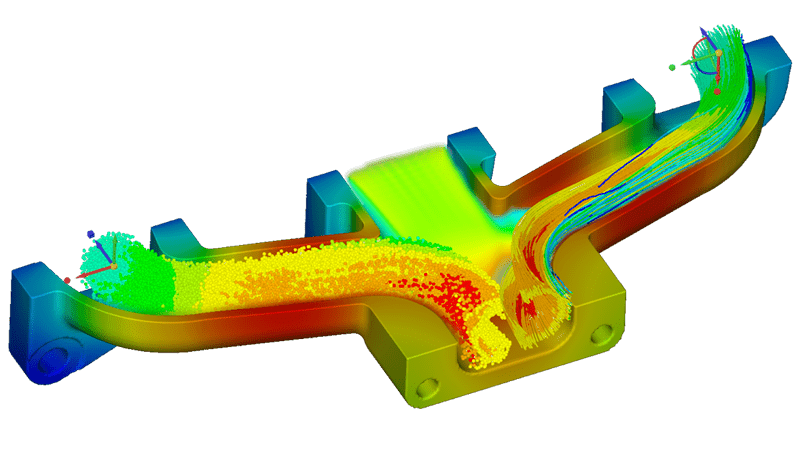
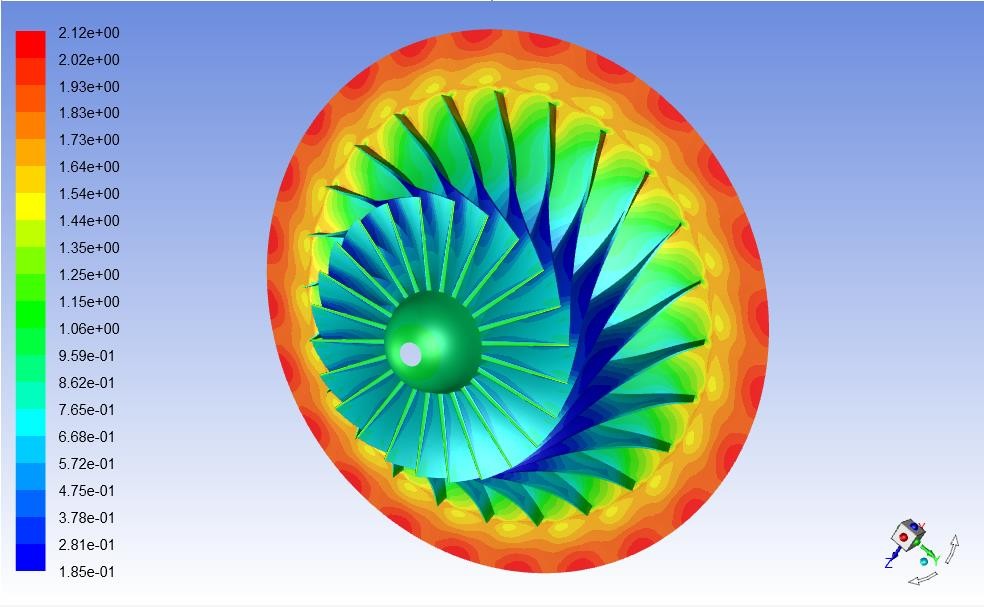
Ansys CFX is the leading simulation software for turbomachinery analysis. In this paid CFD 102 course, you’ll learn how to use streamlined workflows, advanced physics modeling capabilities, and interpret results from your analysis.
Who should take this course:
Beginners who need a comprehensive overview of Ansys CFX.
Intermediate users who do not have a strong foundation and would like to thoroughly learn basic concepts.
With completion of this Ansys CFD Training, you will:
Become proficient in:
Basics of computational fluid dynamics (CFD) using Ansys CFX
Importing geometry with Ansys SpaceClaim
Applying boundary conditions
Meshing using Ansys Meshing
Using various CFX solvers and options
Reviewing and interpreting CFX results
Receive an official certificate of completion with professional development hours that can qualify for the continuing education requirements upon renewal of a PE license in most states.
Contact for CFD 102 Training
Course Agenda | CFD 102
Module 1: Overview of CFD Process
Lecture 1.0: Class Introductions and Introduction to Ansys
Lecture 1.1: Introduction to Ansys Workbench
Lecture 1.2: Overview of CFD Process
Workshop 1: Flow in a Mixing Tee
Module 2: Ansys Fluid Simulation Basics
Lecture 2.1: Ansys SpaceClaim Essentials
Workshop 2.1: Flow Distribution in an Air Manifold (SCDM)
Lecture 2.2: Ansys Meshing Essentials
Workshop 2.2: Flow Distribution in an Air Manifold (Meshing)
Lecture 2.3: CFX User Interface and Workflow
Workshop 2.3: Flow Distribution in an Air Manifold (CFD)
Module 3: Defining Fluid Simulations
Lecture 3.1: Basic Operations in Ansys SpaceClaim
Workshop 3.1: Mixing Hot and Cold Streams in a Mixing Elbow (SCDM)
Lecture 3.2: Global Mesh Control
Workshop 3.2: Mixing Hot and Cold Streams in a Mixing Elbow (Meshing)
Lecture 3.3: Setting Up Physics
Workshop 3.3: Mixing Hot and Cold Streams in a Mixing Elbow (CFD)
Module 4: Postprocessing Fluid Simulations
Lecture 4.1: Geometry Handling and Repair
Workshop 4.1: Tube Bundle (SCDM)
Lecture 4.2: Local Mesh Controls
Workshop 4.2: Tube Bundle (Meshing)
Lecture 4.3: Postprocessing
Workshop 4.3: Tube Bundle Postprocessing with CFD-Post
Module 5: Rotating Models
Lecture 5.1: Rotating Machinery Introduction
Lecture 5.2: Single Rotating Component Analysis
Workshop 5.2.1: Pump Simulation
Workshop 5.2.2: Cavitating Pump — provided as an additional example


 Contact Us